Unlock Creativity with the Learning Hub
Welcome to the Learning Hub
A practical space for creatives who want to explore ideas, develop skills, and deepen their creative practice using Photoshop and complementary tools.
Here you’ll find:
Clear, thoughtful tutorials and blog posts
Behind-the-scenes creative processes
Ideas and techniques you can actually use in your own work
Browse by category below, or dive in and explore at your own pace.
Looking for Creative Tools?
If you’re looking for Photoshop Tutorials, Courses, Photoshop tools, Textures or creative elements to use in your own work, you’ll find them in the shop.
Browse the SHOP to explore what’s available.
Wanting to Create vs Needing to Create
Using Visual Metaphors in Digital Art
Light Isn't Something That Happens to Your Composite
Why Light Makes or Breaks an Image
Two Ways I Create (Depending on the Day)
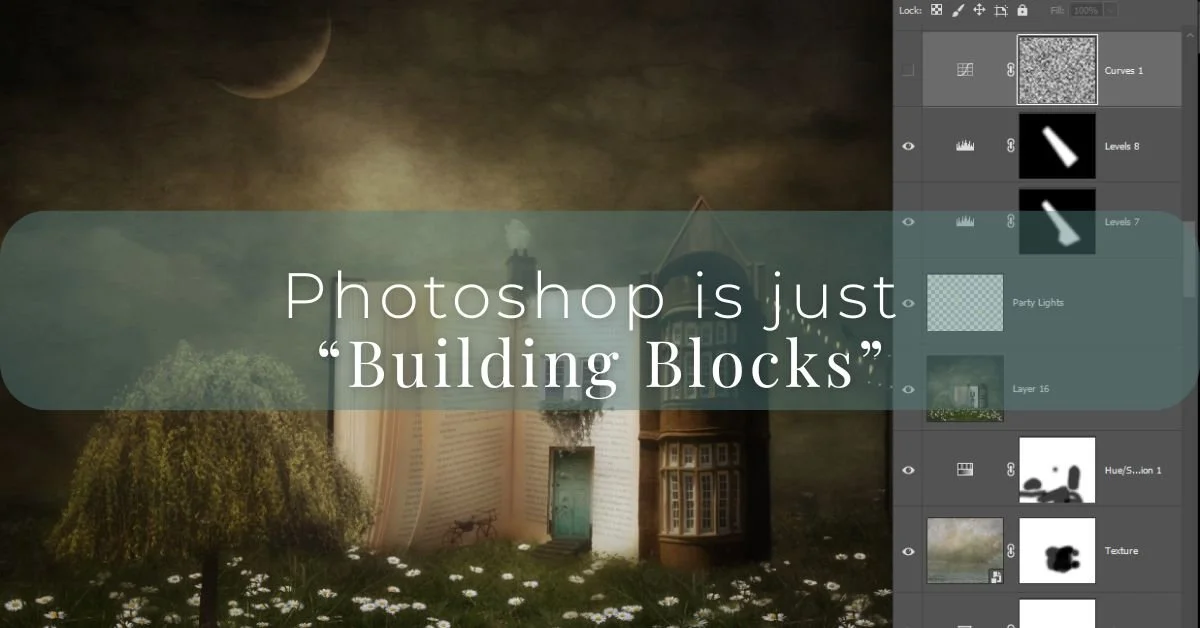
Photoshop is just “Building Blocks”
AI Tools in Photoshop: Understanding the Difference
Scale and Tension in Digital Art: Creating Images That Tell a Story
How I Found My Creative Freedom
The Power of Curiosity
Imagination Is Real. Even If You Can’t Hold It.
Are the Rules Guiding Your Creativity or Limiting It?

What is the difference between a Photo and Digital Texture?
Digital Textures are a texture that enhances your photo or compliments it, both in texture and colour. It doesn’t dominate. Find out the difference between the two.
Tone Before Colour: Why Light and Dark Shape Your Images
Opacity, Fill, and Flow — What’s the Real Difference in Photoshop?

Blend Modes in Photoshop: Your Creative Secret Weapon

My Creative Process
I’m diving into conceptual storytelling, sharing my thought process, imaginative journey, and the techniques I used to create this image. I let my imagination roam free, exploring creative ideas without limits. Creating conceptual images is a blend of imagination and technique

Why You Need a Creative Stash!

Imagination vs Skill in a Tech World