Using the Photo Filter in Photoshop
In this video, I'm sharing how I use the Photo Filter, one of my favourite tools for quick and effective colour grading. Pair this with my Soft Matte Action Collection for a quick colour grading finish on your own images.
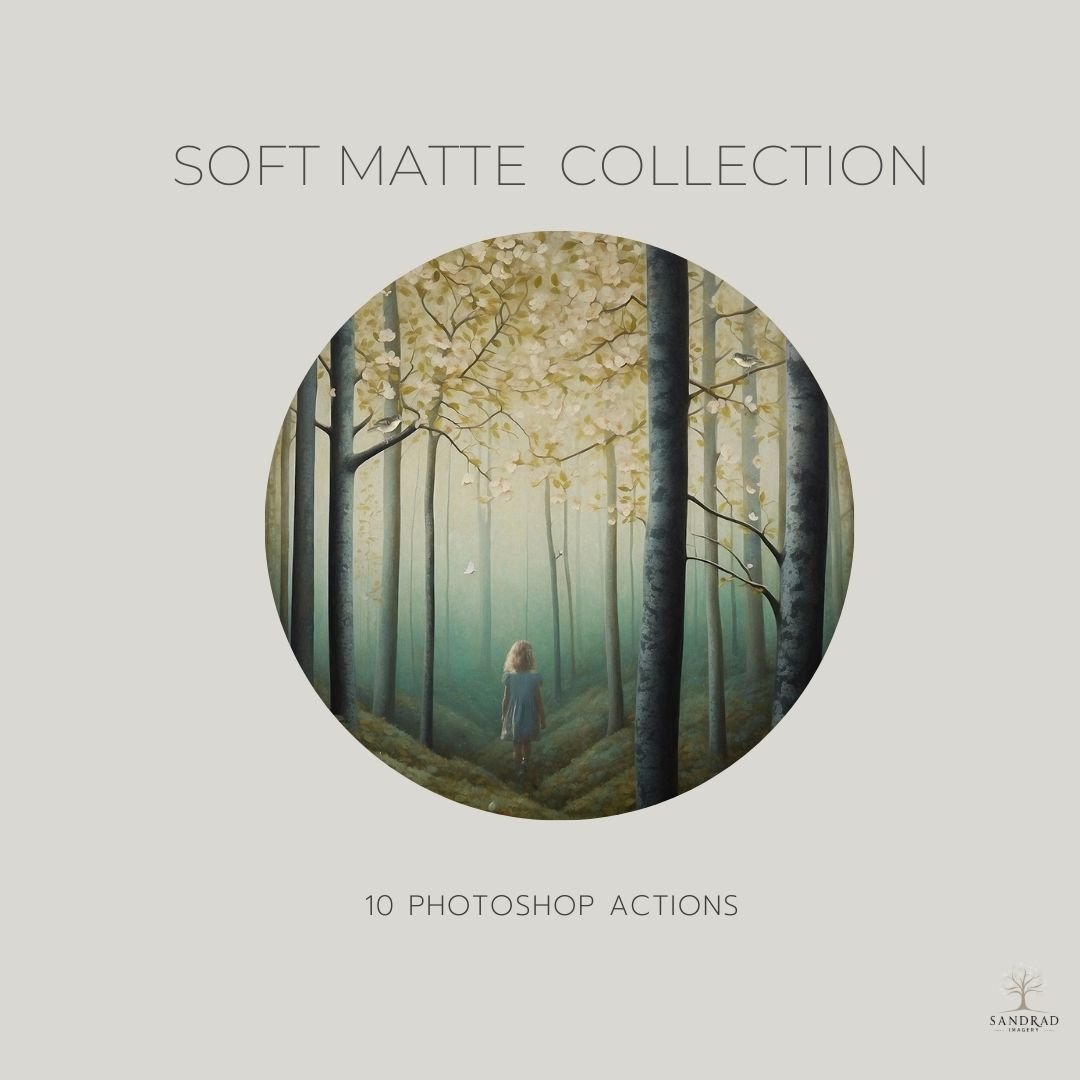
Soft Matte Action Collection
$15.00
This set of 10 Photoshop actions are designed to be used to create soft muted tones for your digital art or photos. These action presets reduce contrast and subtly wash out colours. Perfect for anyone wanting to speed up their workflow, these presets offer a quick and easy way to achieve colour grading easily.
Delivery: Instant Download
Scroll down to see all the details!
WATCH how these Actions can transform the colour and mood of your image in seconds