AI Tools in Photoshop: Understanding the Difference
If you enjoy exploring creativity, Photoshop and visual storytelling, you'll find more tutorials, articles and creative resources throughout my Learning Hub.
Make it stand out
Whatever it is, the way you tell your story online can make all the difference.
"AI" gets used as one big catch-all word these days, and I think that's causing a lot of confusion in the creative community. When someone hears "AI in Photoshop," they often assume it means the same thing every time that a tool is generating something out of nothing.
But that's not the full story, and understanding the difference actually matters for how you think about your own creative process.
In Photoshop, AI shows up in two very different ways, and they are not the same thing at all.
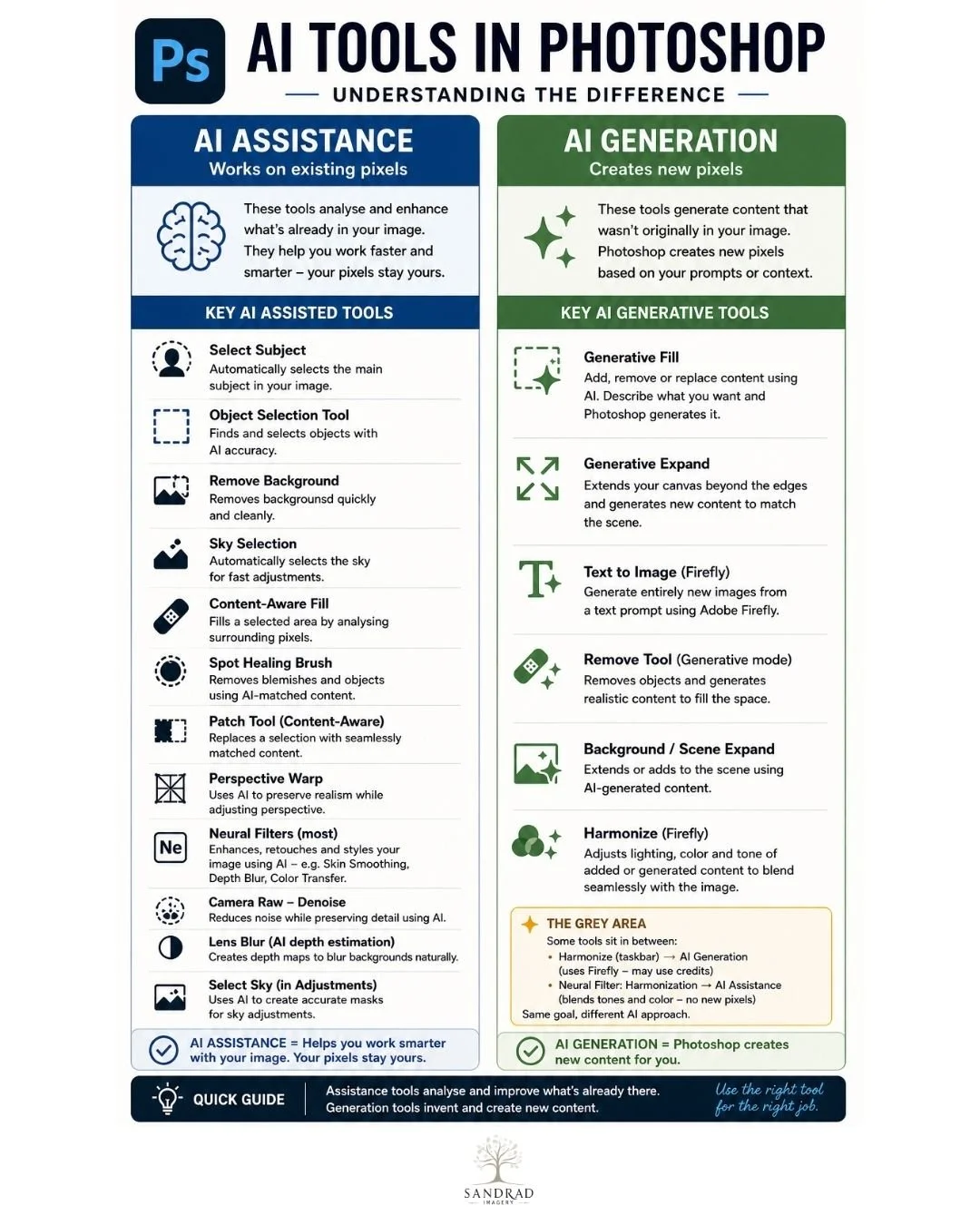
AI Assistance works on the pixels that are already in your image. Tools like Select Subject, Remove Background, Sky Selection, and Content-Aware Fill use AI to analyse what's already there and help you work faster and smarter :Your pixels stay yours the AI is simply doing some of the technical heavy lifting so you can focus on the creative decisions.
AI Generation is a different category altogether. Tools like Generative Fill, Generative Expand, and Text to Image (Firefly) create entirely new pixels that weren't part of your original image. Photoshop is generating content based on a prompt or the surrounding context, rather than working with what you already captured or built.
There's also a grey area, where tools like Harmonize sit somewhere in between — sometimes drawing on Firefly credits, sometimes simply blending tone and colour with no new pixels generated at all. It depends on how you use them.
This graphic is to help understand some of the “myths” because I kept noticing that people lump all of this together as "AI did it," when really there's a meaningful difference between a tool that enhances your existing work and a tool that creates something new in your place.
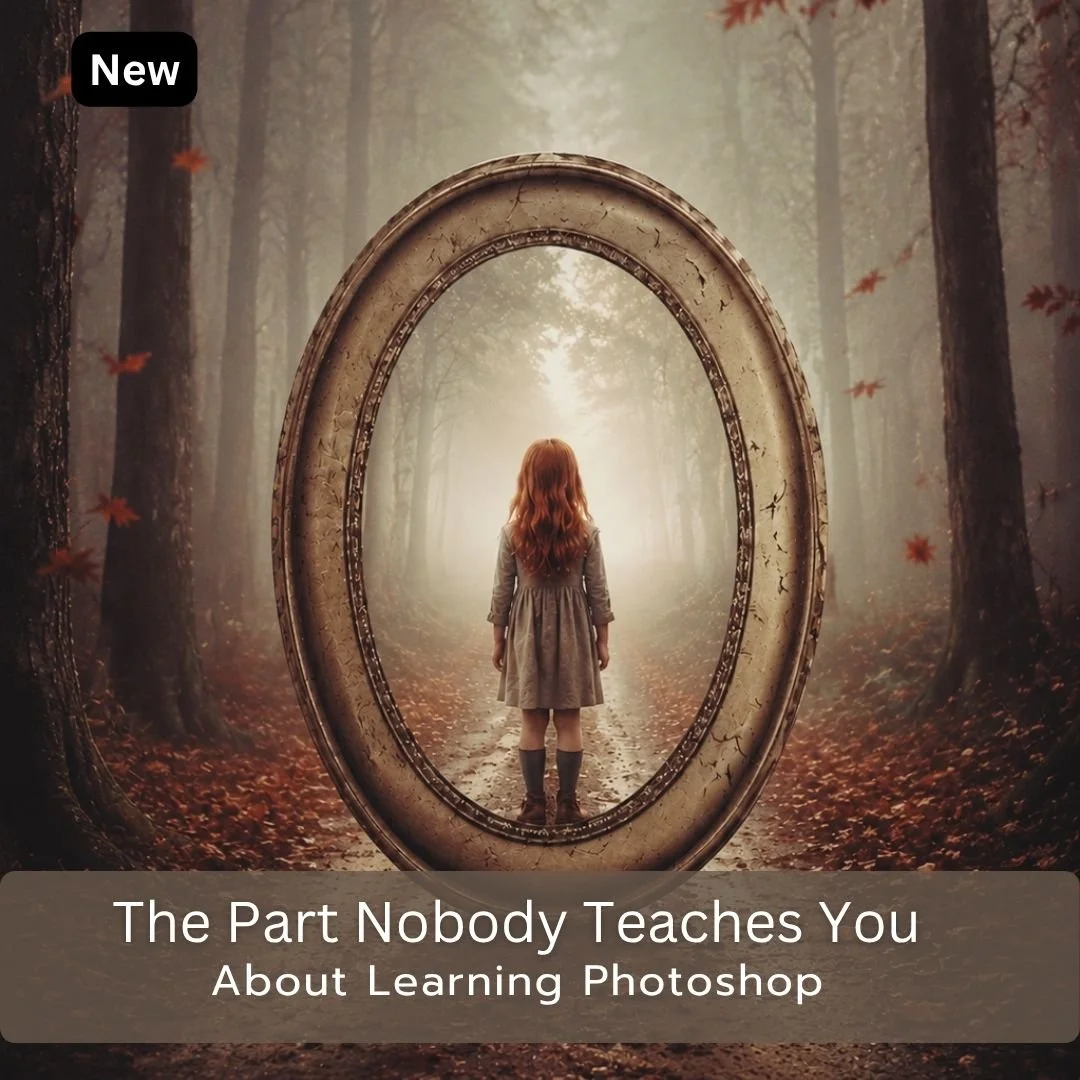
You have watched the tutorials. You understand the techniques when they are explained. So why does it still feel like something is missing?
When I was learning Photoshop I found something that changed everything. Every time I learned a new technique I made myself use it deliberately in my next workflow, not just watch it being demonstrated, but actually apply it. That one shift is what made the learning stick.
Most Photoshop resources will train you. They show you what to do and how to do it. This ebook is about the part that comes after that, how to actually retain what you learn, build on it, and turn watching into doing.
These strategies come from more than fifteen years of being a corporate trainer and a degree in Adult Education and a firm belief that training and learning are two very different things.
What you get
17 page PDF download
Nine practical learning strategies
A framework for approaching every editing session with intention
A personal introduction and closing reflection on the creative journey
Nine Strategies at a Glance a printable reference sheet to keep near your computer while you work
Whatever level you are at, this ebook will change how you approach every Photoshop session from here.
What Readers Are Saying
“What makes this ebook different is that it focuses on something most Photoshop books and courses never address: how to actually learn and retain what you've been taught. There is no shortage of tutorials available today, but turning information into skill is where most people struggle. Your ebook fills that gap exceptionally well."
— Orlando ★★★★★
Instant Download
You will receive an email with the downloadable link.
This link is only available for 24 hours so download your goodies.
You might be interested in this:
Knowing which is which helps you make more intentional choices about your own process — and it's part of why I'm always upfront that my work leans on AI assistance and Photoshop refinement, not generation. The images stay mine, built and finished by hand: AI just helps me get there.
Understanding your tools, and what they're actually doing, is one of the most useful skills you can build as a digital artist.
Continue Exploring
If you enjoyed this article, you might also like:
Imagination vs Skillset
◾Creativity is a funny thing. We often talk about having a great imagination or having technical skill — like they’re opposites on a scale.