If you enjoy exploring creativity, Photoshop and visual storytelling, you'll find more tutorials, articles and creative resources throughout my Learning Hub.
I get asked a version of the same question almost every week. Something like "how long did it take you to learn Photoshop?" or "how do I get good at this?"
People want a timeline. A number of months. A course that finishes with them "knowing" Photoshop.
Here's the thing though. That's not really how it works, and I think that misunderstanding is what makes so many people give up before they've even got going.
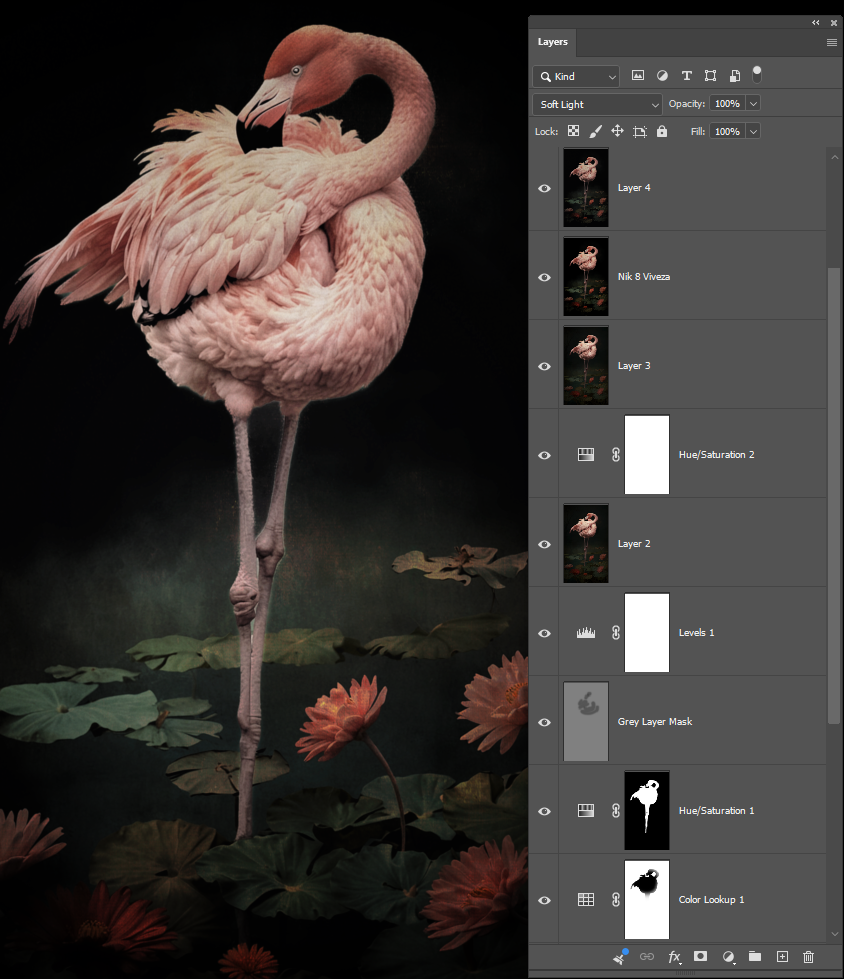
One image with blocks stacked using colour grading layers
Nobody learns Photoshop as one thing
Photoshop isn't a single skill. It's a pile of building blocks.
Layers
Masks
Selections
Blend modes
Adjustment Layers
Each one is small on its own. Each one is learnable in an afternoon if you just focus on that one block and nothing else.
The problem is most people try to learn the whole tower at once. They watch a tutorial that uses ten techniques stacked together, they get lost by minute three, and they walk away thinking Photoshop is too hard for them.
It's not that Photoshop is too hard. It's that nobody handed them the blocks one at a time.
You don't need the whole set to build something
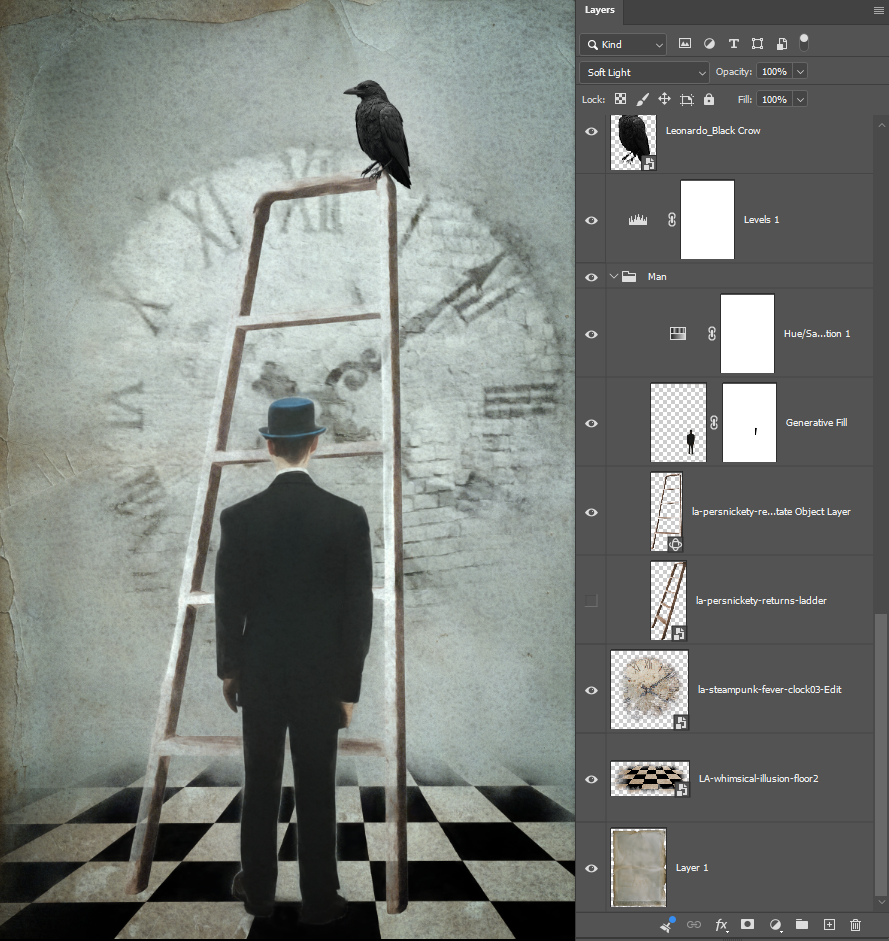
Composite image blocks stacked (elements, layers, masks)
When kids play with actual building blocks, they don't wait until they've got every piece figured out before they start building. They pick up two or three blocks and make something. Then they add a bit more. Then a bit more again.
Photoshop works exactly the same way. You can make a genuinely good image knowing masks and one blend mode. You don't need curves yet. You don't need frequency separation. You don't need the thing you saw in that one YouTube video with forty steps.
Pick a handful of blocks. Learn them properly. Build with what you've got. Add the next block when the image in front of you actually calls for it.
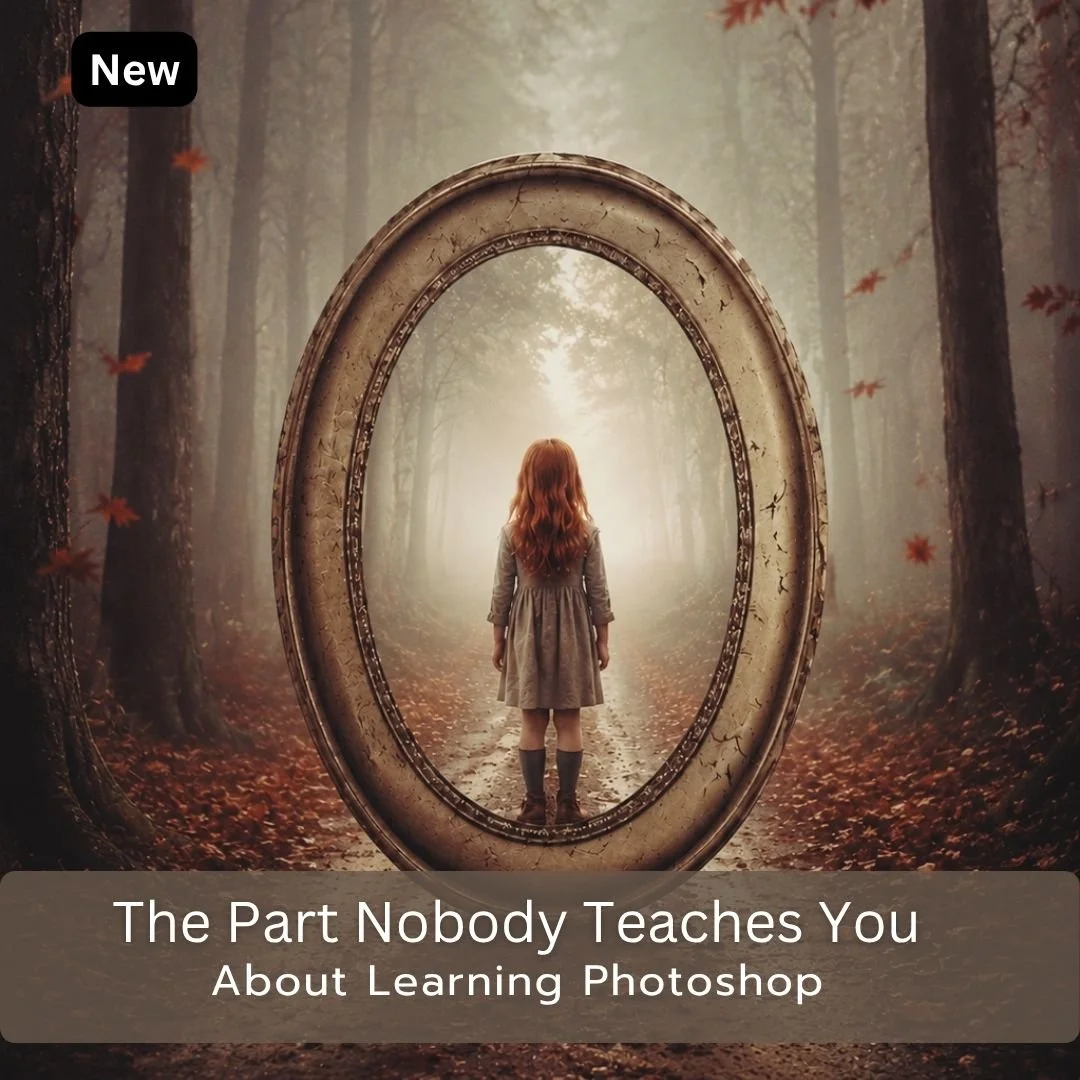
You have watched the tutorials. You understand the techniques when they are explained. So why does it still feel like something is missing?
When I was learning Photoshop I found something that changed everything. Every time I learned a new technique I made myself use it deliberately in my next workflow, not just watch it being demonstrated, but actually apply it. That one shift is what made the learning stick.
Most Photoshop resources will train you. They show you what to do and how to do it. This ebook is about the part that comes after that, how to actually retain what you learn, build on it, and turn watching into doing.
These strategies come from more than fifteen years of being a corporate trainer and a degree in Adult Education and a firm belief that training and learning are two very different things.
What you get
17 page PDF download
Nine practical learning strategies
A framework for approaching every editing session with intention
A personal introduction and closing reflection on the creative journey
Nine Strategies at a Glance a printable reference sheet to keep near your computer while you work
Whatever level you are at, this ebook will change how you approach every Photoshop session from here.
What Readers Are Saying
“What makes this ebook different is that it focuses on something most Photoshop books and courses never address: how to actually learn and retain what you've been taught. There is no shortage of tutorials available today, but turning information into skill is where most people struggle. Your ebook fills that gap exceptionally well."
— Orlando ★★★★★
Instant Download
You will receive an email with the downloadable link.
This link is only available for 24 hours so download your goodies.
You might be interested in this:
This is why training and learning aren't the same thing
I talk about this a lot because it's the whole reason I do what I do the way I do it. Training is someone showing you which buttons to press for one specific result. Learning is understanding what each block does well enough that you can reach for it on your own, in a completely different image, for a completely different reason.
A lot of tutorials are training. Follow along, get the result, feel good for a minute. Then you open your own photo and you're stuck, because you never actually learned the block. You just watched someone else use it.
The building block approach forces learning, because you have to understand what a mask does before you can decide when to use one. You can't just copy steps.
This is actually the whole reason I put together my ebook, The Part Nobody Teaches You About Learning Photoshop. It's not another training manual walking you through button presses. It's about what happens after you've watched the tutorial, when you're meant to turn all those separate pieces into something you can actually use on your own images. That's the part that usually gets skipped, and it's the part that decides whether you keep building or stall out.
What this means practically
If you're teaching yourself, stop trying to finish a whole complex tutorial in one sitting and call that "learning Photoshop." Instead, pick one block. Layers, say. Spend proper time with it. Understand what it's actually doing, not just what button makes it happen. Then bring your own image to it and build something small.
Next session, add a block. Selections, maybe. Now you've got two blocks and a lot more you can build with two blocks together than either one alone.
Keep going like that and one day you'll notice you're not thinking about the individual blocks anymore. You're just building. That's the point where people usually think they "arrived" at knowing Photoshop, but really they just quietly stacked enough blocks that it stopped feeling like separate pieces.
There's no shortcut past that stacking. But there's also no need to feel behind because you haven't got all the pieces yet. Nobody has all the pieces. I still pick up new blocks.
Start with what's in front of you. Build something. Add the next piece when the image asks for it, not before.
If you want a hand working out what that actually looks like in practice, that's what the ebook covers. Nine practical strategies for turning what you've watched into what you can build.
Start with what's in front of you
Build something. Add the next piece when the image asks for it, not before.
That's really all Photoshop ever asks of you. Not everything at once. Just the next block.
Continue Exploring
If you enjoyed this article, you might also like:
Using Blend Modes in Photoshop
◾Layer blend modes are one of Photoshop’s most powerful (and often overlooked) tools.