
Unlock Creativity with the Learning Hub
Welcome to the Learning Hub
A practical space for creatives who want to explore ideas, develop skills, and deepen their creative practice using Photoshop and complementary tools.
Here you’ll find:
Clear, thoughtful tutorials and blog posts
Behind-the-scenes creative processes
Ideas and techniques you can actually use in your own work
Browse by category below, or dive in and explore at your own pace.
Looking for Creative Tools?
If you’re looking for Photoshop Tutorials, Courses, Photoshop tools, Textures or creative elements to use in your own work, you’ll find them in the shop.
Browse the SHOP to explore what’s available.

How to customise your Photoshop Workspace - Video
Learn what is the default workspace in Photoshop and how to customise your Photoshop Workspace to suit your workflow.

Why a Tidy Photoshop Workspace Matters
What are the benefits of organising your Photoshop workspace, and why investing a little time in this can greatly enhance your experience, let us have a look why + Bonus Video learn how to customise your workspace.

Mastering your Photoshop Workflow
A consistent editing workflow allows you to develop a systematic approach to your editing process, minimizing the time spent on repetitive tasks and maximizing productivity. This saves you from constantly second-guessing your decisions and ensures that you focus on the essential aspects of editing rather than getting caught up in a disorganised workflow.

How to Organise and Backup Photoshop Brushes - Video
Learn how to organise & backup your Photoshop Brushes.
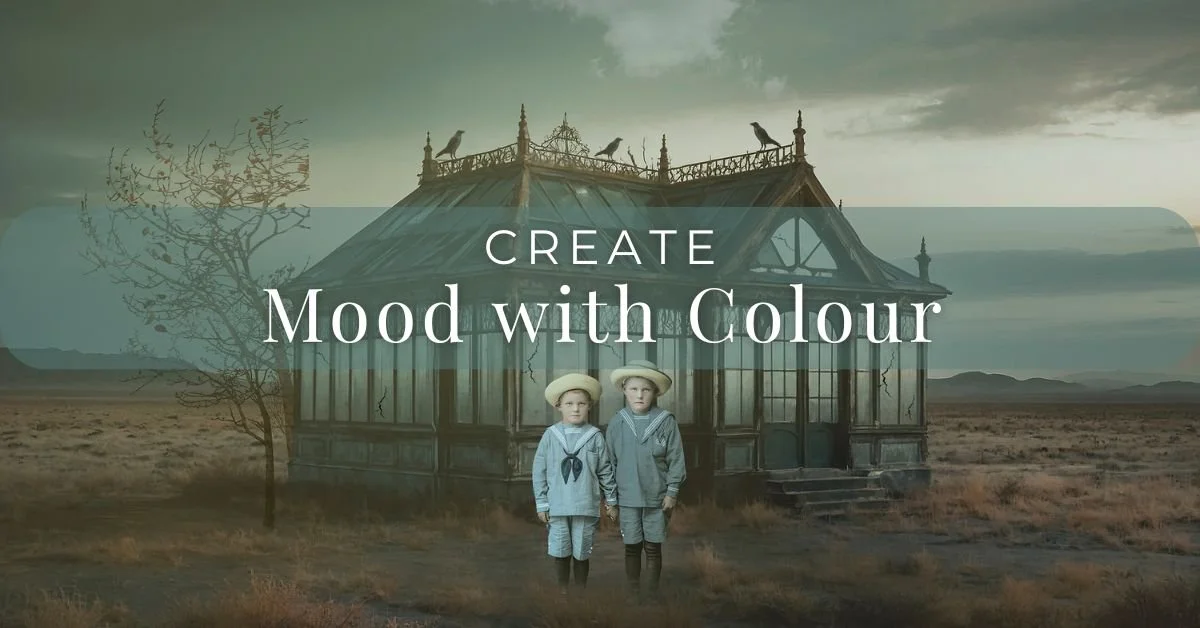
Creating Mood with Colours
Making colour choices is essential in Photoshop because it allows you to create a desired mood, tone, and overall aesthetic in your images. It is an essential aspect of the creative process in digital art and photography.

Photoshop Brushes: Creative Freedom in Digital Art
Photoshop is a powerful tool for digital artists, photographers, and designers alike. One of the most essential components of Photoshop is its brush tool. Photoshop brushes can be used to create everything from basic illustrations to complex designs, making them a vital part of the creative process.

The Power of Self-Expression
When it comes to creating images, people have different reasons for engaging in this activity. Let’s explore the benefits of creating images for oneself and using tools like Photoshop to enhance our skills and creativity.

How to use Photoshop Smudge Tool - Video
How to use the Smudge Tool and why it is helpful for composite imagery.
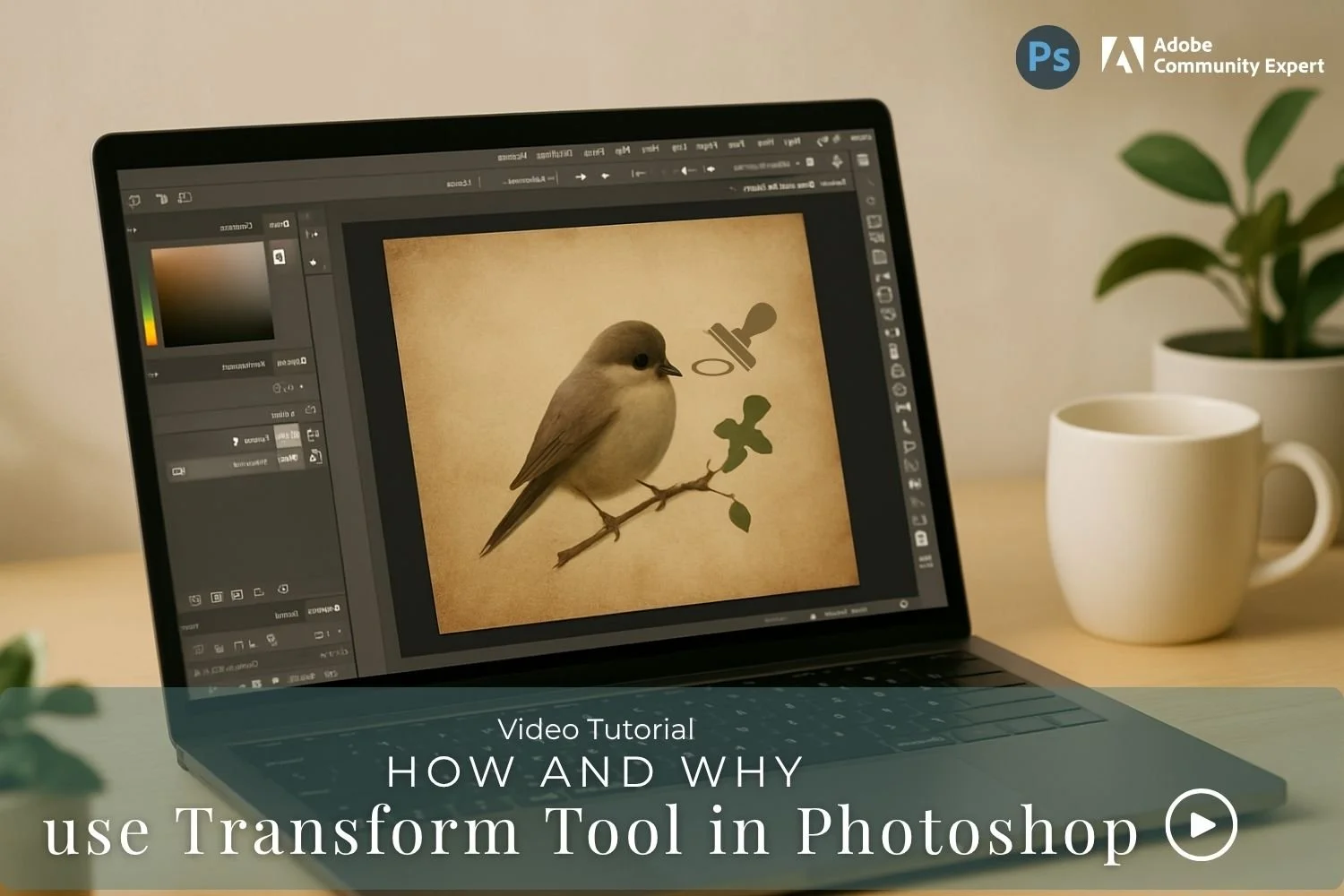
How and why use the Transform Tool - Video
Learn how the Transform Tool in Photoshop and why it one of the essential tools.

How to use the Stamp Visible Layer
Why use a Stamp Visible and what does it do?

How to use Colour Average in Photoshop
One of those techniques that can help your colour grading for creative images or photos.

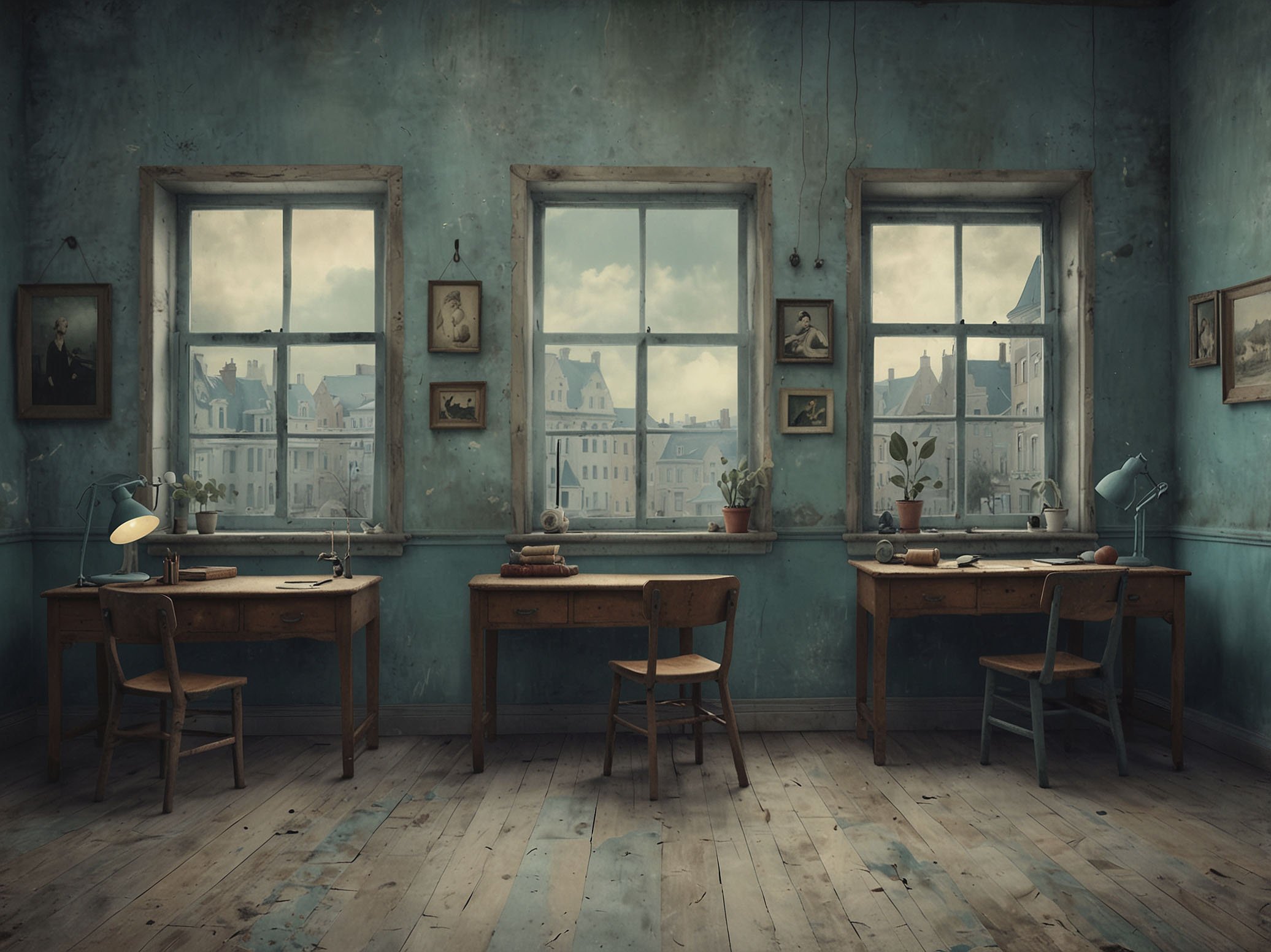
Tips to design a Creative Space
“No matter how big or small your space or desk is, create that place that inspires your imagination. “
How to add a Texture in Photoshop - Video
This short tutorial is how to add a texture to your photo. Check out my Textures Shop as well.

Colourful Words for Colourful Minds
Quotes about Colour to give you inspiration and use your for images
Quotes to spark your creativity
Creativity quotes to get you inspired. My favourite quote comes from Pablo Picasso: “Everything you can imagine is real”

Understanding Colour Theory with Photography
There are many ways to get creative with colour. It is all about thoughtful choices and training your eye to see in colour, as well as subject and composition.

Essential Skills for Composite Imagery
Creative freedom is one of the benefits of composite imagery. Combining elements from old photos that will normally not see the light of day, is possible with composite imagery.

Break the creative slump
Do you find the desire and creativeness comes together, then nothing, that feeling goes "missing in action" and you struggle for ideas. Tips to beat that creative slump.

The Song That Shifted My Creative Mood
Learn how listening to a song gave me inspiration to create a series of images.

Choosing Colour with purpose
What happens when you are creating a composite image made up of several elements, photographed in different light or time of day or you used a mixed media – photographs and digital art? How do you tie all your elements together to work in harmony and look like they blend?