How to add a Texture in Photoshop - Video
This short tutorial is how to add a texture. Check out my Digital Texture Collections to add depth of colour and a tactile appearance.
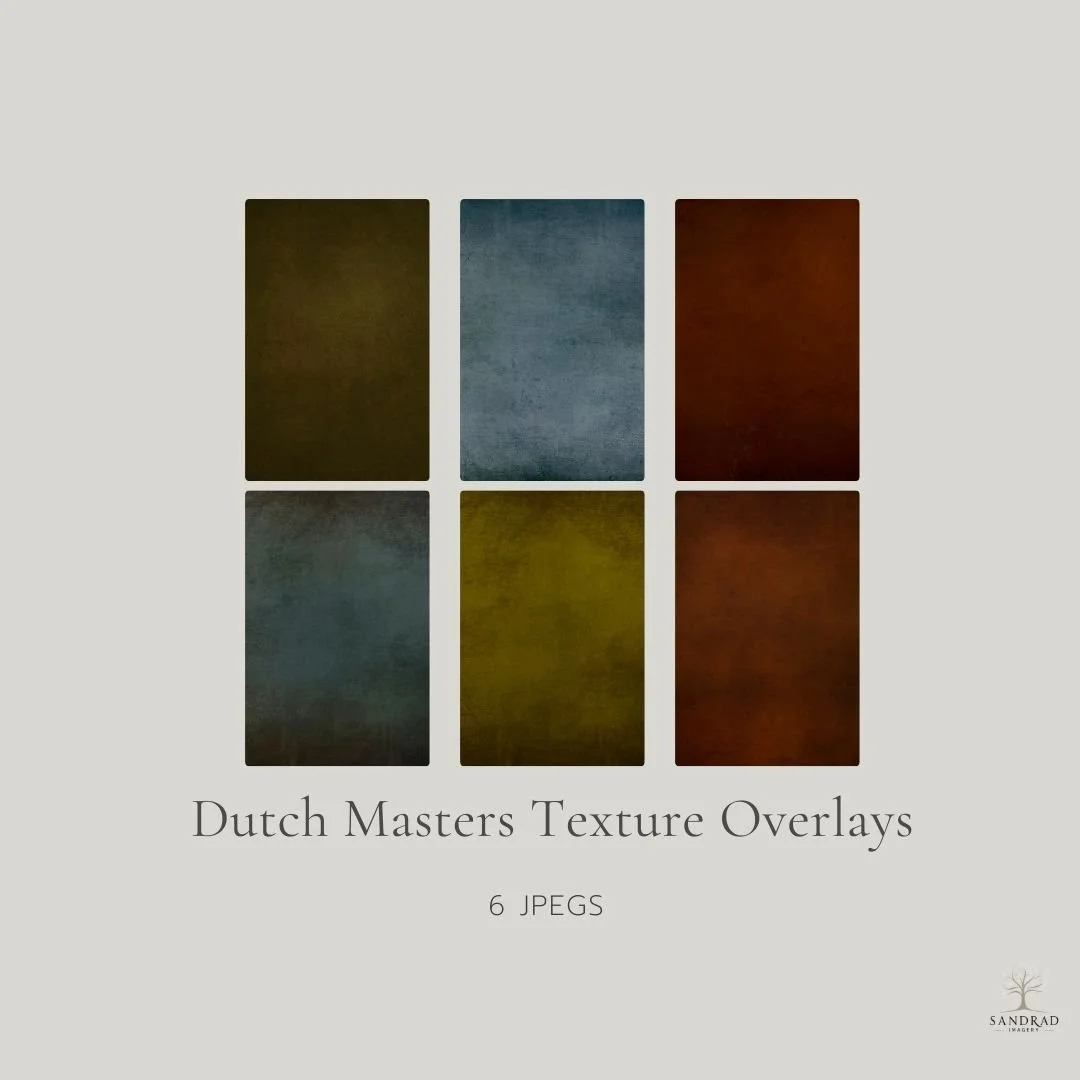
Inspired by the colours of Dutch Golden Age Master Painters, who were renowned for their use of light and colour. These textures add depth of colour and subtle texture to give a richness to your creative images. These textures can be used anywhere in your workflow, beginning, middle or end.
What is included:
These textures are designed with a deep rich texture finish, add colour AND tone to your image. I use these texture overlays for colour grading as well.
6 Textures handcrafted by me using my own photos and brushes
High quality JPEGS around the 5000px on the longest edge
Print quality at 300 dpi
Downloading your Textures
You will receive an email with the downloadable link, once payment is confirmed. This link is only available for 24 hours to download
WATCH how you can add depth to your images using these textures