
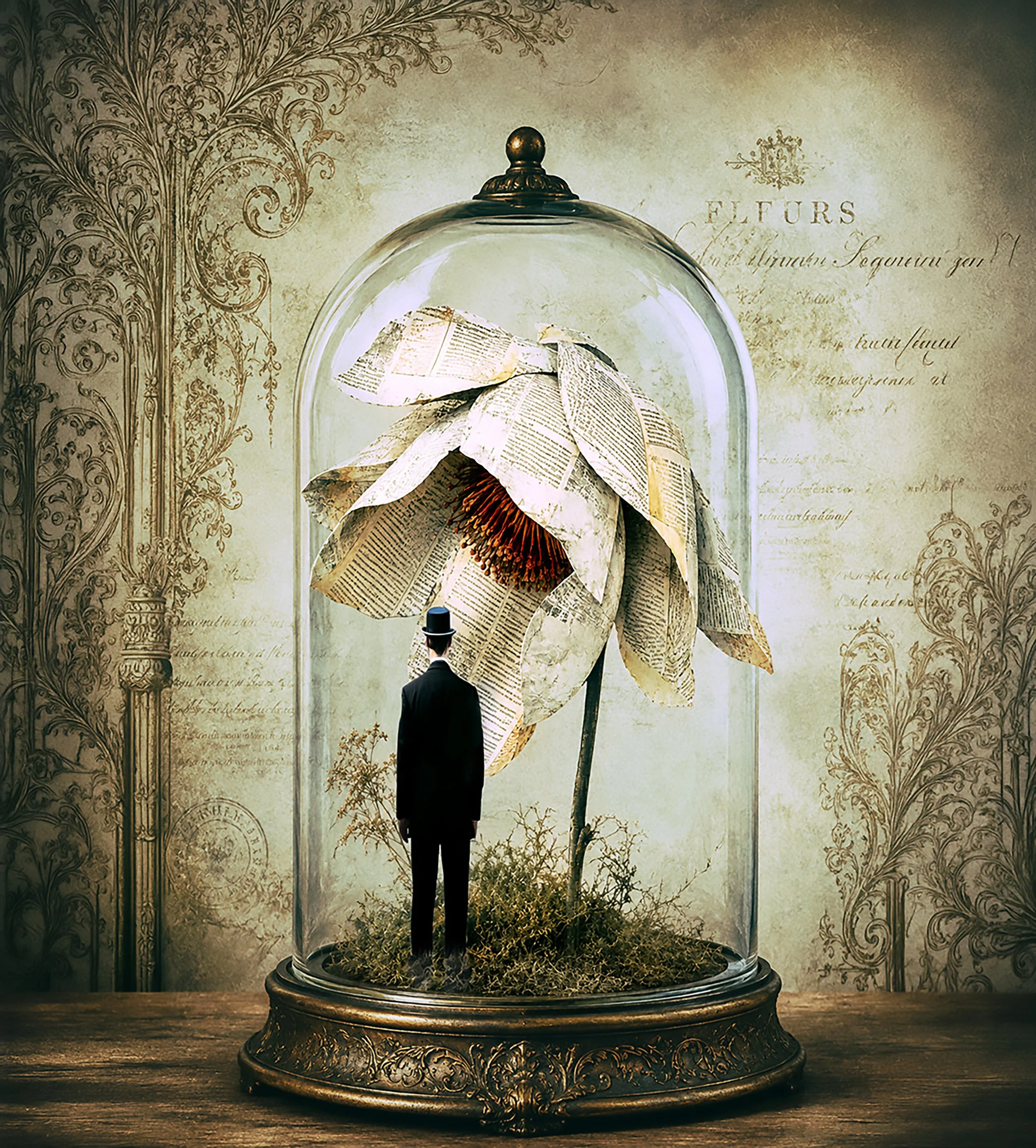
Photoshop Actions & Brushes
A collection of Photoshop actions and brushes designed to help you build, blend, colour and finish your images. From workflow shortcuts and colour grading to masking, atmosphere and creative effects, these tools help you work more efficiently while keeping you in control of the final result.
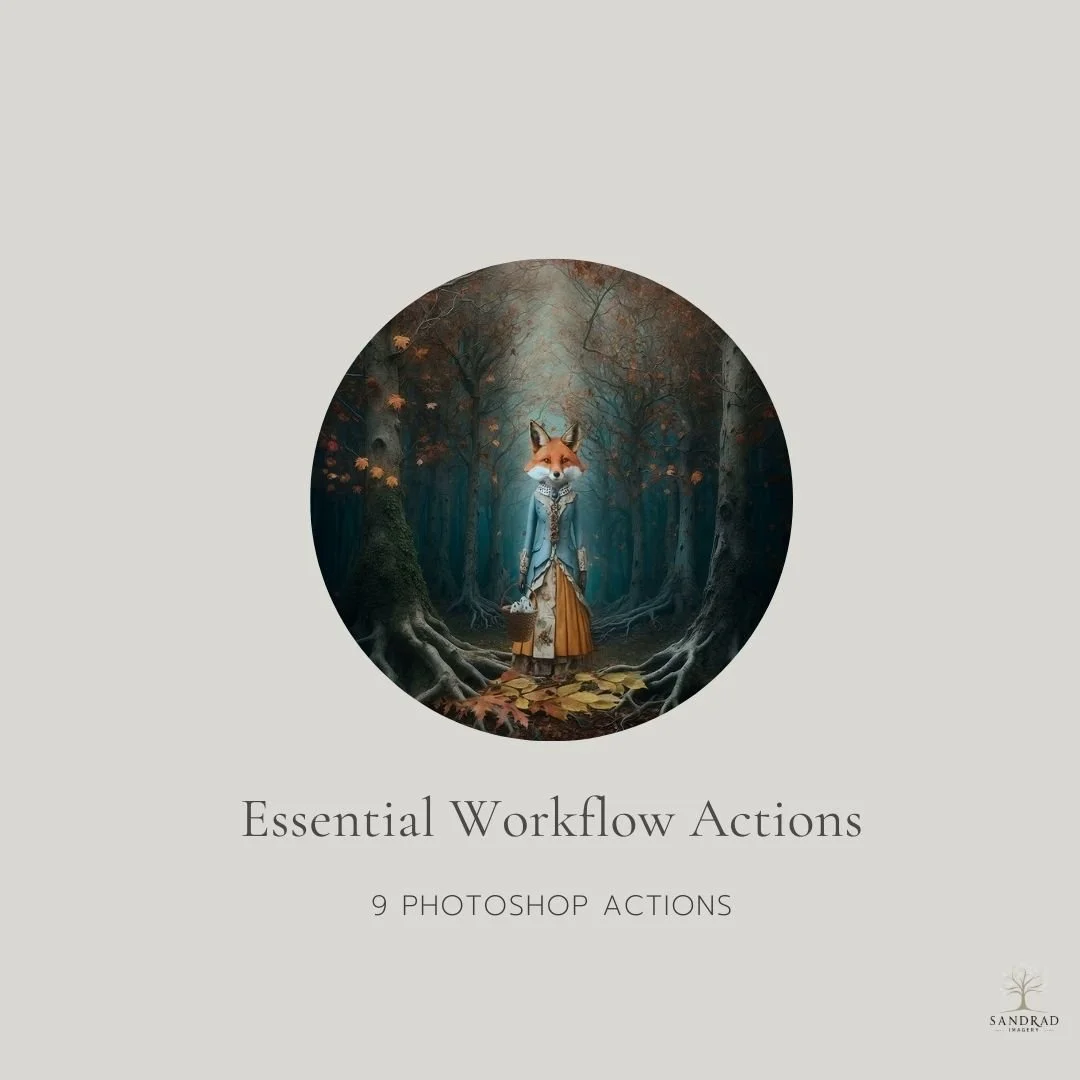
Speed up the repetitive parts of your Photoshop workflow with 9 simple actions designed to keep commonly used functions close at hand.
These are the kinds of shortcuts I use when working on my own digital art and composites creating a new layer, stamping visible layers, accessing Camera Raw, flipping an image, transforming, resizing and other everyday tasks that can interrupt your creative flow.
They aren't complicated actions designed to create a finished look. They're practical little time-savers that help reduce repetitive steps and let you stay focused on creating.
9 Photoshop Actions Included: Access Camera Raw Filter, Duplicate Layer, Stamp Visible Layer, New Blank Layer, Flip Image Horizontal, Transform Tool, Size Image Function, Soft Round Brush and File Save As.
Ideal for: Photoshop users who want a simple set of frequently used workflow functions available from the Actions panel.
WATCH HOW THESE ACTIONS SPEED UP YOUR WORKFLOW
INSTANT DOWNLOAD
This is a digital product available for instant download after purchase. Your download link will be sent to the email address used at checkout. Please download and save your files promptly, as Squarespace download links expire after 24 hours. If your link has expired, click it again and a new download link will automatically be sent to your email address.
TERMS OF USE
Personal and commercial creative use is permitted. You may use these resources to create your own finished artwork, composites, photography and client work.
You may not resell, redistribute, share, give away, extract or claim the original files as your own. The resources must be used as part of your own creative work and cannot be made available for others to extract, reuse or redistribute.
This is a single-user licence. Copyright remains with SandraD Imagery / Sandra Dann and ownership of the original files does not transfer.
Digital-download purchases are non-refundable once downloaded, except where required under Australian Consumer Law.
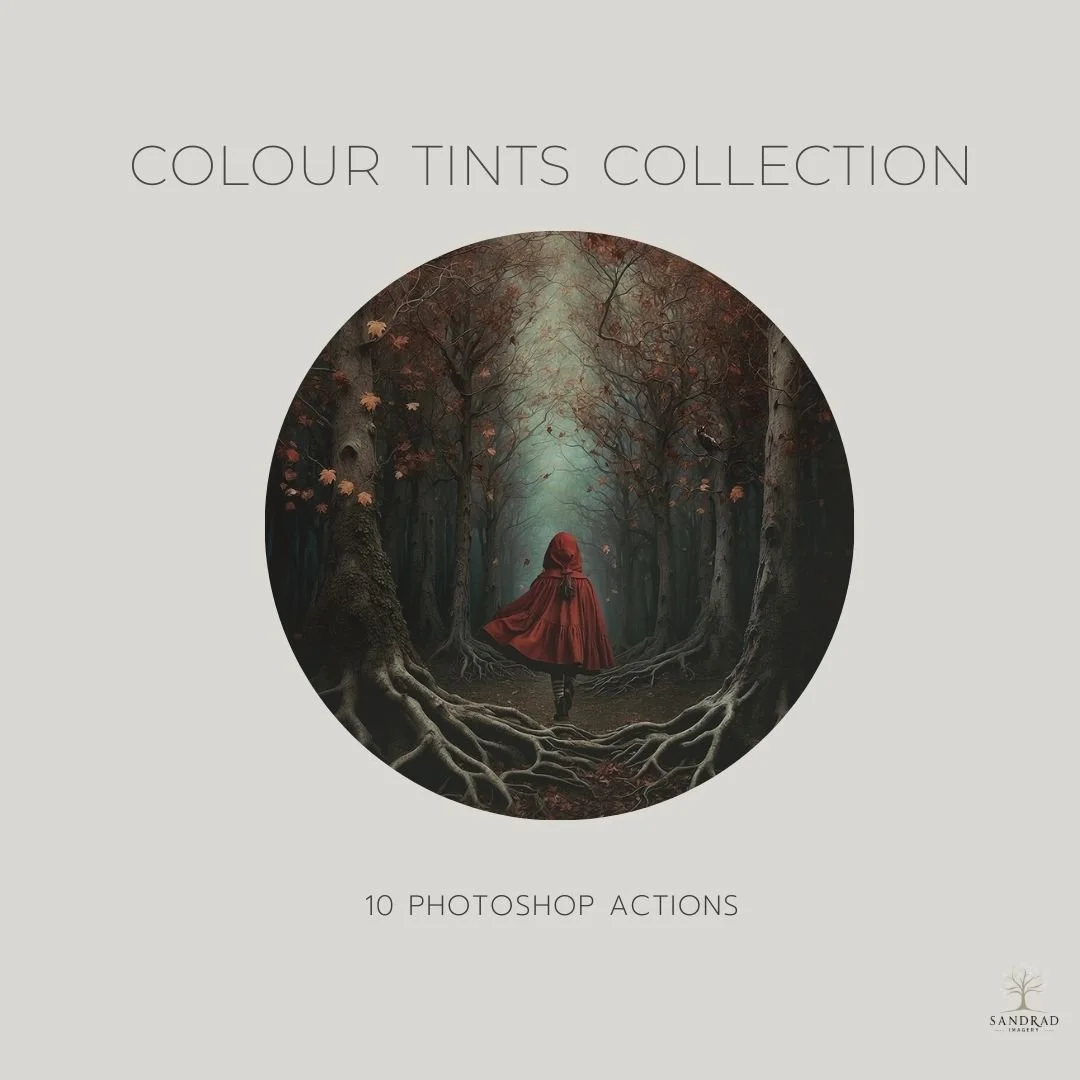
This set of 10 Photoshop actions is designed to simplify your colour grading process, allowing you to make subtle shifts in the tonal range of your images with ease.
With just one click, you can apply a colour tint to enhance the depth and richness of your photos. Whether you're looking to add warm or cool tones or just a hint of extra colour, these actions remove the guesswork from manually tweaking tonal adjustments. Perfect for anyone wanting to speed up their workflow, these tints offer a quick and easy way to achieve colour grading easily.
Colour Tints Included: Little Pop, Richness, Blue River, Warmth, Mud, Horizon, Shiny, Sugar, Coolness and Vintage Brown.
WATCH HOW YOU CAN USE COLOUR TINTS IN YOUR IMAGES
INSTANT DOWNLOAD
This is a digital product available for instant download after purchase. Your download link will be sent to the email address used at checkout. Please download and save your files promptly, as Squarespace download links expire after 24 hours. If your link has expired, click it again and a new download link will automatically be sent to your email address.
TERMS OF USE
Personal and commercial creative use is permitted. You may use these resources to create your own finished artwork, composites, photography and client work.
You may not resell, redistribute, share, give away, extract or claim the original files as your own. The resources must be used as part of your own creative work and cannot be made available for others to extract, reuse or redistribute.
This is a single-user licence. Copyright remains with SandraD Imagery / Sandra Dann and ownership of the original files does not transfer.
Digital-download purchases are non-refundable once downloaded, except where required under Australian Consumer Law.
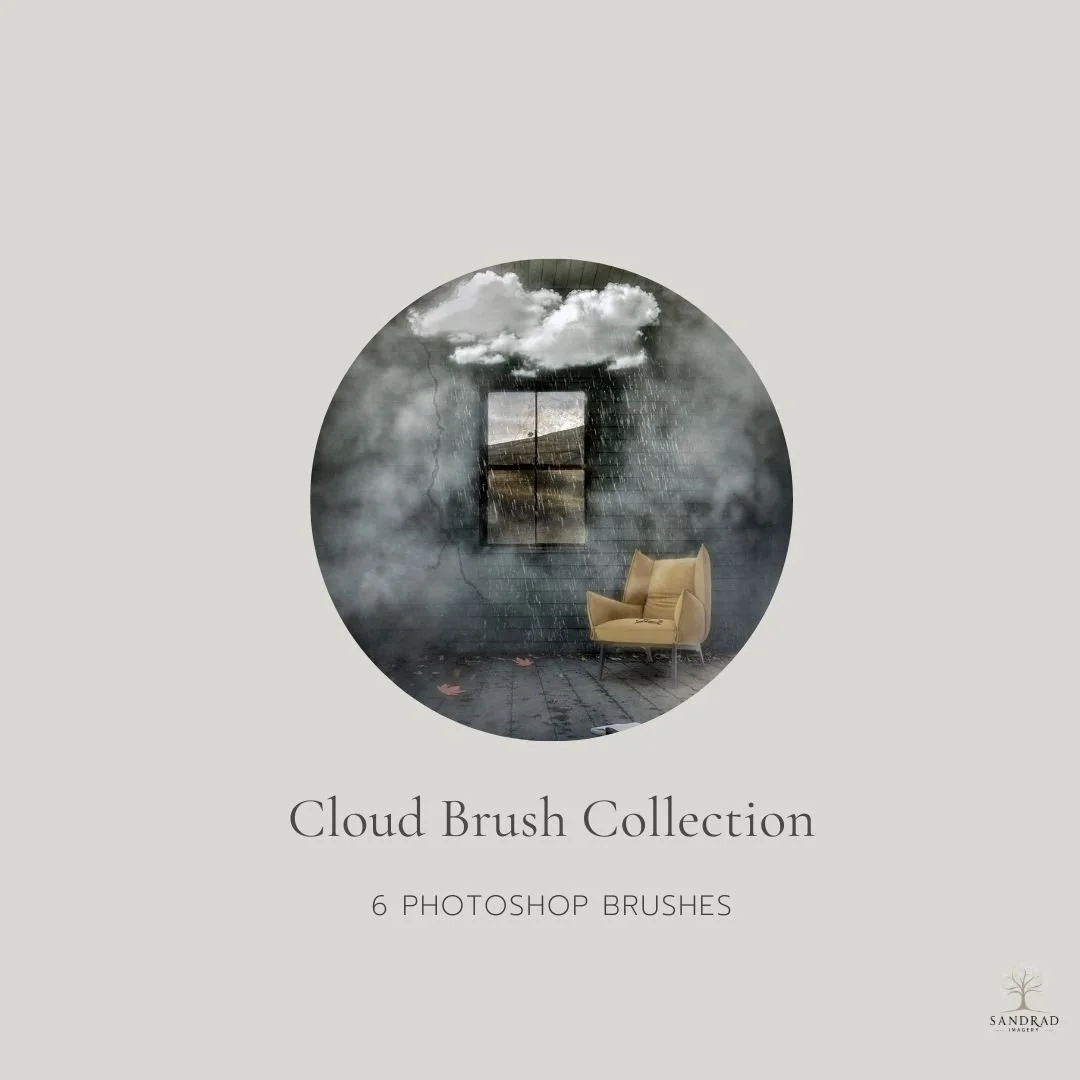
Add clouds, depth and atmosphere to your images with this collection of 6 Photoshop cloud brushes.
I use cloud brushes in my own composite work to build up skies, fill empty areas and add subtle atmosphere to a scene. They can also be used creatively to suggest mist, haze or smoke by changing the brush size, opacity and colour.
Use them individually for a subtle effect or combine several brushes to build more complex skies and atmospheric effects.
What's Included: 6 Photoshop Cloud Brushes.
WATCH HOW YOU CAN USE THESE CLOUD BRUSHES IN YOUR WORK
INSTANT DOWNLOAD
This is a digital product available for instant download after purchase. Your download link will be sent to the email address used at checkout. Please download and save your files promptly, as Squarespace download links expire after 24 hours. If your link has expired, click it again and a new download link will automatically be sent to your email address.
TERMS OF USE
Personal and commercial creative use is permitted. You may use these resources to create your own finished artwork, composites, photography and client work.
You may not resell, redistribute, share, give away, extract or claim the original files as your own. The resources must be used as part of your own creative work and cannot be made available for others to extract, reuse or redistribute.
This is a single-user licence. Copyright remains with SandraD Imagery / Sandra Dann and ownership of the original files does not transfer.
Digital-download purchases are non-refundable once downloaded, except where required under Australian Consumer Law.
| Explore the Tools |

A practical collection of 20 Photoshop brushes designed specifically for composite work. These are the kinds of brushes I reach for when cutting out subjects, refining masks, blending edges, adding atmosphere and working elements naturally into a scene.
The collection combines useful workflow brushes with creative brushes for hair and fur, grass, light, clouds, waves, dust particles and more. Rather than searching through different brush sets while you're working, this gives you a versatile group of tools to keep close at hand for everyday composite editing.
20 Photoshop Brushes Included:
Soft Round Brush (x1), Hard Edge Cut-Out Brushes (x2), Smudge Brushes (x4), Lone Cloud Brush (x1), Moon Brush (x1), Bird Brush (x1), Wave Brushes (x2), Light Brushes (x2), Grass Brushes (x3), Dust Particle Brush (x1) and Hair/Fur Brushes (x2).
INSTANT DOWNLOAD
This is a digital product available for instant download after purchase. Your download link will be sent to the email address used at checkout. Please download and save your files promptly, as Squarespace download links expire after 24 hours. If your link has expired, click it again and a new download link will automatically be sent to your email address.
TERMS OF USE
Personal and commercial creative use is permitted. You may use these resources to create your own finished artwork, composites, photography and client work.
You may not resell, redistribute, share, give away, extract or claim the original files as your own. The resources must be used as part of your own creative work and cannot be made available for others to extract, reuse or redistribute.
This is a single-user licence. Copyright remains with SandraD Imagery / Sandra Dann and ownership of the original files does not transfer.
Digital-download purchases are non-refundable once downloaded, except where required under Australian Consumer Law.
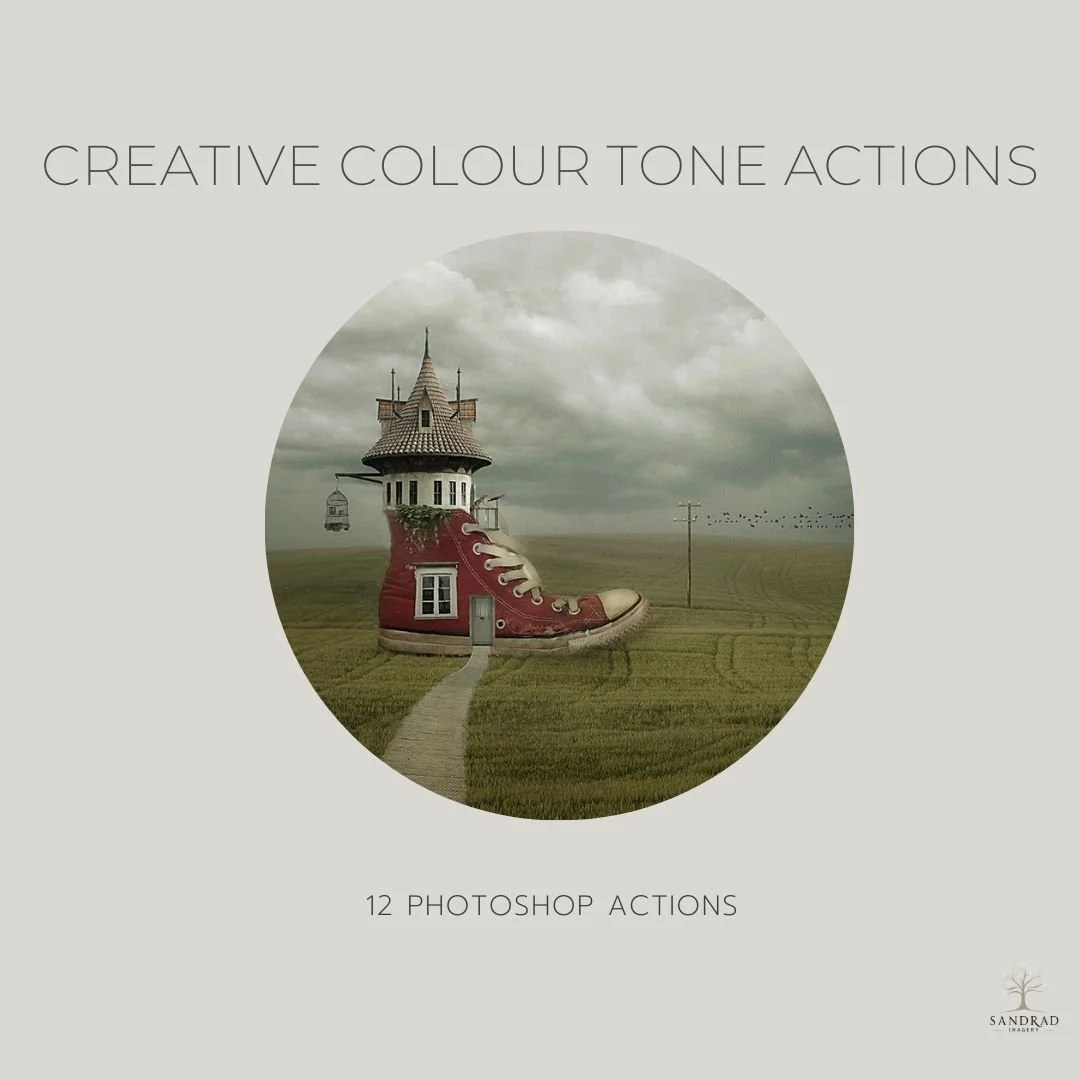
Add subtle colour, warmth and tonal character to your images with this collection of 12 Photoshop actions. The collection includes a mix of colour fills, gentle washes and tonal adjustments designed to give you a starting point for creative colour grading.
Each action creates editable layers in Photoshop, so you can adjust the opacity, blend modes and masks to suit your own image. Use an action on its own for a subtle change, or combine several to build your own colour treatment.
Designed for photographers and digital artists who enjoy experimenting with colour, these actions make it easy to explore different moods without starting your colour grading from scratch.
WATCH HOW YOU CAN USE THESE ACTIONS IN YOUR WORKFLOW
What's Included:
12 Photoshop Actions, plus instructions for installing and using the collection.
INSTANT DOWNLOAD
This is a digital product available for instant download after purchase. Your download link will be sent to the email address used at checkout. Please download and save your files promptly, as Squarespace download links expire after 24 hours. If your link has expired, click it again and a new download link will automatically be sent to your email address.
TERMS OF USE
Personal and commercial creative use is permitted. You may use these resources to create your own finished artwork, composites, photography and client work.
You may not resell, redistribute, share, give away, extract or claim the original files as your own. The resources must be used as part of your own creative work and cannot be made available for others to extract, reuse or redistribute.
This is a single-user licence. Copyright remains with SandraD Imagery / Sandra Dann and ownership of the original files does not transfer.
Digital-download purchases are non-refundable once downloaded, except where required under Australian Consumer Law.
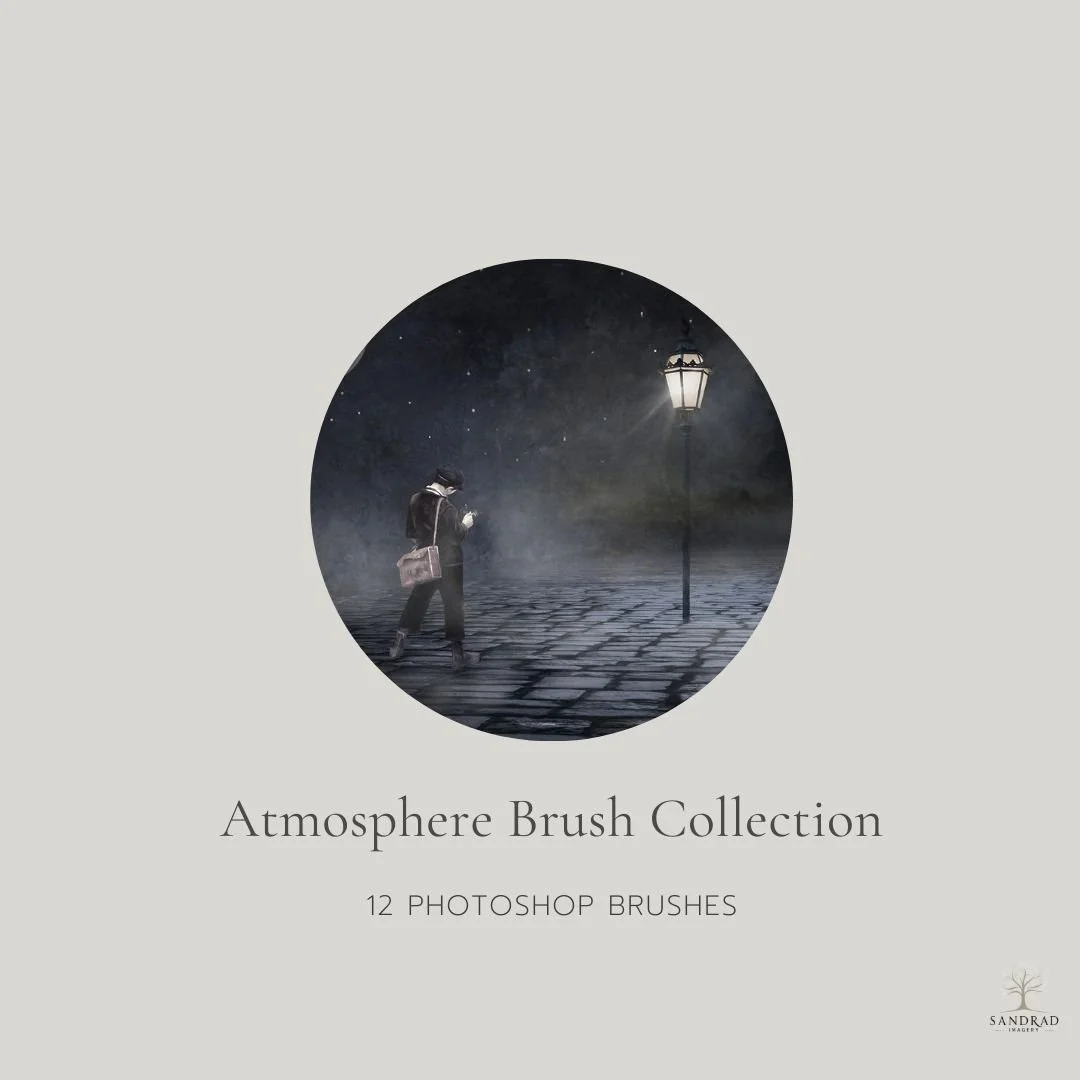
Create depth, mood and atmosphere with this collection of 12 Photoshop brushes designed for composite artists and creative image makers.
Use the brushes to add fog, mist, smoke, dust, particles, rain and other atmospheric effects, or to help blend elements into a scene so they feel more naturally connected. The collection also includes brushes for waves and a small crack effect that can be used creatively for details such as tree roots or lightning.
Use them subtly to add depth and separation, or build several effects together to create a stronger sense of atmosphere.
12 Brushes Included: 2 Fog Brushes, Mist, Cloud, Dust, Particles, Mist Particles, Smoke, Small Crack Effect, Wave and Rain Splash.
Compatible with: Photoshop and Affinity Photo.
Looking for more? These brushes are also included in the larger Atmosphere Toolkit, together with additional atmospheric creative resources.
WATCH HOW YOU USE THESE BRUSHES TO ADD ATMOSPHERE TO YOUR PHOTOS AND DIGITAL ART
INSTANT DOWNLOAD
This is a digital product available for instant download after purchase. Your download link will be sent to the email address used at checkout. Please download and save your files promptly, as Squarespace download links expire after 24 hours. If your link has expired, click it again and a new download link will automatically be sent to your email address.
TERMS OF USE
Personal and commercial creative use is permitted. You may use these resources to create your own finished artwork, composites, photography and client work.
You may not resell, redistribute, share, give away, extract or claim the original files as your own. The resources must be used as part of your own creative work and cannot be made available for others to extract, reuse or redistribute.
This is a single-user licence. Copyright remains with SandraD Imagery / Sandra Dann and ownership of the original files does not transfer.
Digital-download purchases are non-refundable once downloaded, except where required under Australian Consumer Law.