 Image 1 of 1
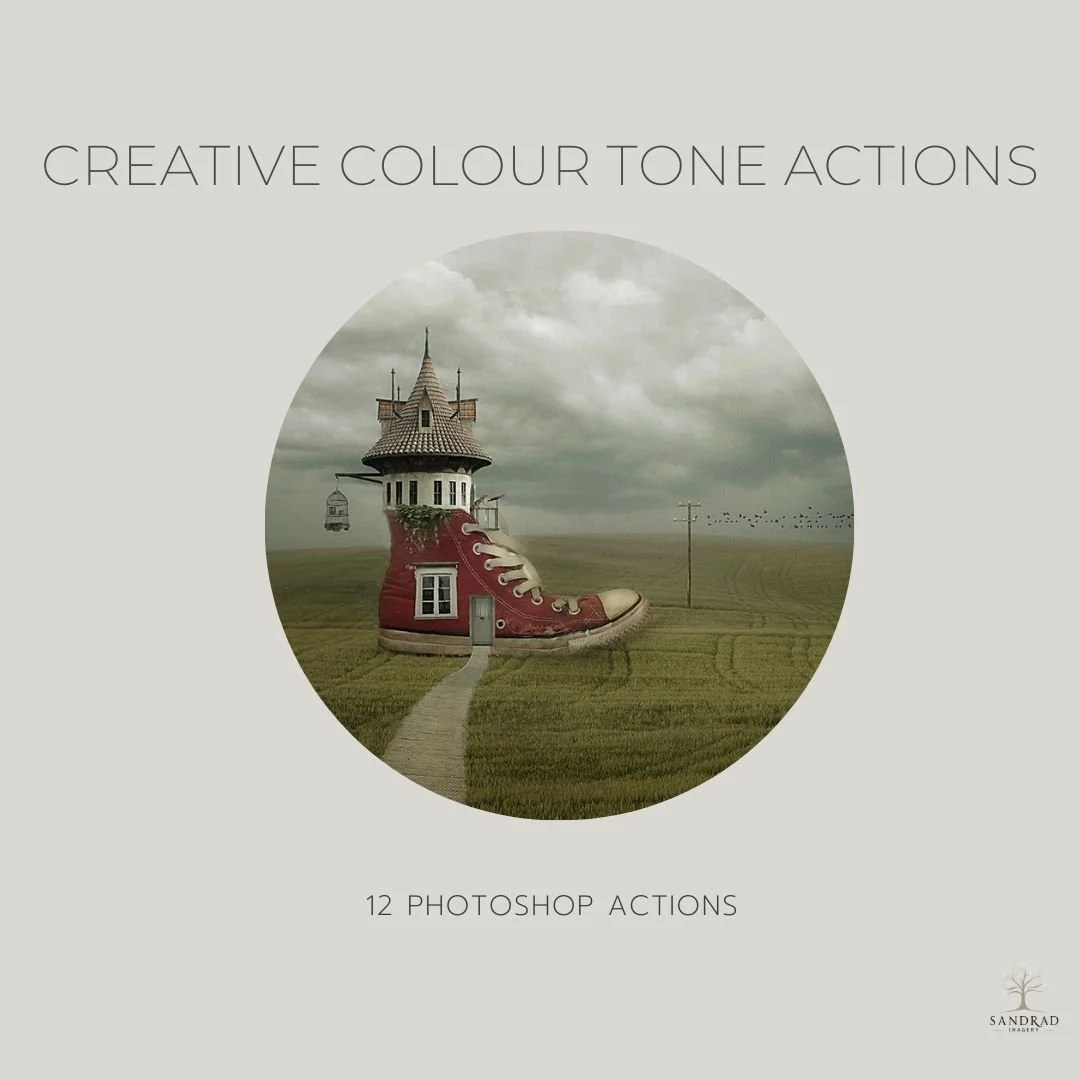
Add subtle colour, warmth and tonal character to your images with this collection of 12 Photoshop actions. The collection includes a mix of colour fills, gentle washes and tonal adjustments designed to give you a starting point for creative colour grading.
Each action creates editable layers in Photoshop, so you can adjust the opacity, blend modes and masks to suit your own image. Use an action on its own for a subtle change, or combine several to build your own colour treatment.
Designed for photographers and digital artists who enjoy experimenting with colour, these actions make it easy to explore different moods without starting your colour grading from scratch.
WATCH HOW YOU CAN USE THESE ACTIONS IN YOUR WORKFLOW
What's Included:
12 Photoshop Actions, plus instructions for installing and using the collection.
INSTANT DOWNLOAD
This is a digital product available for instant download after purchase. Your download link will be sent to the email address used at checkout. Please download and save your files promptly, as Squarespace download links expire after 24 hours. If your link has expired, click it again and a new download link will automatically be sent to your email address.
TERMS OF USE
Personal and commercial creative use is permitted. You may use these resources to create your own finished artwork, composites, photography and client work.
You may not resell, redistribute, share, give away, extract or claim the original files as your own. The resources must be used as part of your own creative work and cannot be made available for others to extract, reuse or redistribute.
This is a single-user licence. Copyright remains with SandraD Imagery / Sandra Dann and ownership of the original files does not transfer.
Digital-download purchases are non-refundable once downloaded, except where required under Australian Consumer Law.
Add subtle colour, warmth and tonal character to your images with this collection of 12 Photoshop actions. The collection includes a mix of colour fills, gentle washes and tonal adjustments designed to give you a starting point for creative colour grading.
Each action creates editable layers in Photoshop, so you can adjust the opacity, blend modes and masks to suit your own image. Use an action on its own for a subtle change, or combine several to build your own colour treatment.
Designed for photographers and digital artists who enjoy experimenting with colour, these actions make it easy to explore different moods without starting your colour grading from scratch.
WATCH HOW YOU CAN USE THESE ACTIONS IN YOUR WORKFLOW
What's Included:
12 Photoshop Actions, plus instructions for installing and using the collection.
INSTANT DOWNLOAD
This is a digital product available for instant download after purchase. Your download link will be sent to the email address used at checkout. Please download and save your files promptly, as Squarespace download links expire after 24 hours. If your link has expired, click it again and a new download link will automatically be sent to your email address.
TERMS OF USE
Personal and commercial creative use is permitted. You may use these resources to create your own finished artwork, composites, photography and client work.
You may not resell, redistribute, share, give away, extract or claim the original files as your own. The resources must be used as part of your own creative work and cannot be made available for others to extract, reuse or redistribute.
This is a single-user licence. Copyright remains with SandraD Imagery / Sandra Dann and ownership of the original files does not transfer.
Digital-download purchases are non-refundable once downloaded, except where required under Australian Consumer Law.