In this video, I show how I use a Grey Layer to Dodge and Burn using the Brush Tool to Sculpt Light and Shade in Photoshop. Pair this with my Essential Workflow Photoshop Actions to speed up this kind of editing in your own workflow.
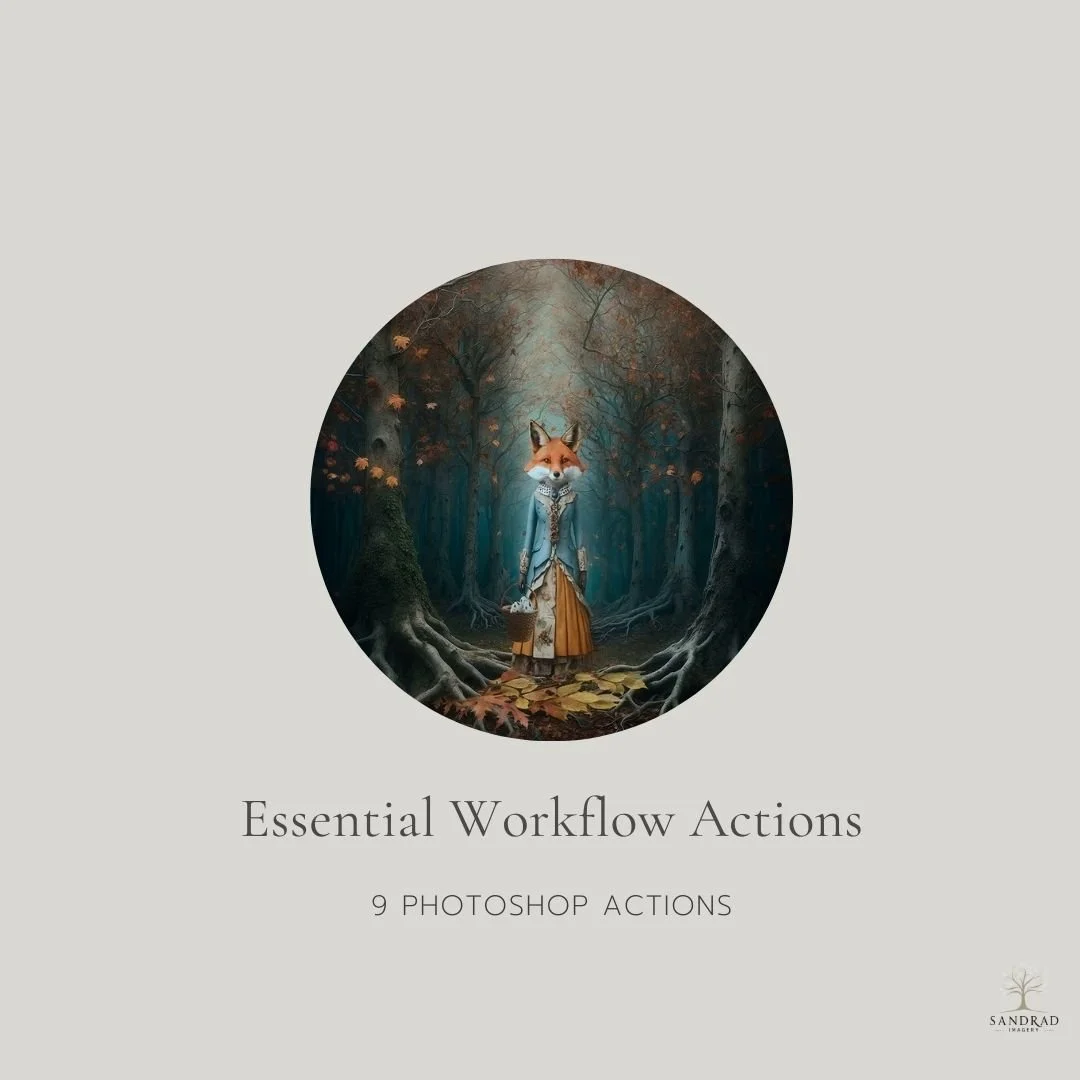
Speed up the repetitive parts of your Photoshop workflow with 9 simple actions designed to keep commonly used functions close at hand.
These are the kinds of shortcuts I use when working on my own digital art and composites creating a new layer, stamping visible layers, accessing Camera Raw, flipping an image, transforming, resizing and other everyday tasks that can interrupt your creative flow.
They aren't complicated actions designed to create a finished look. They're practical little time-savers that help reduce repetitive steps and let you stay focused on creating.
9 Photoshop Actions Included: Access Camera Raw Filter, Duplicate Layer, Stamp Visible Layer, New Blank Layer, Flip Image Horizontal, Transform Tool, Size Image Function, Soft Round Brush and File Save As.
Ideal for: Photoshop users who want a simple set of frequently used workflow functions available from the Actions panel.
WATCH HOW THESE ACTIONS SPEED UP YOUR WORKFLOW
INSTANT DOWNLOAD
This is a digital product available for instant download after purchase. Your download link will be sent to the email address used at checkout. Please download and save your files promptly, as Squarespace download links expire after 24 hours. If your link has expired, click it again and a new download link will automatically be sent to your email address.
TERMS OF USE
Personal and commercial creative use is permitted. You may use these resources to create your own finished artwork, composites, photography and client work.
You may not resell, redistribute, share, give away, extract or claim the original files as your own. The resources must be used as part of your own creative work and cannot be made available for others to extract, reuse or redistribute.
This is a single-user licence. Copyright remains with SandraD Imagery / Sandra Dann and ownership of the original files does not transfer.
Digital-download purchases are non-refundable once downloaded, except where required under Australian Consumer Law.