The Making of Teacup
Watch the making of Teacup, which was inspired by a quote.
I share my thought process, work arounds and break down the layers in Photoshop and have fun with a whimsical image.
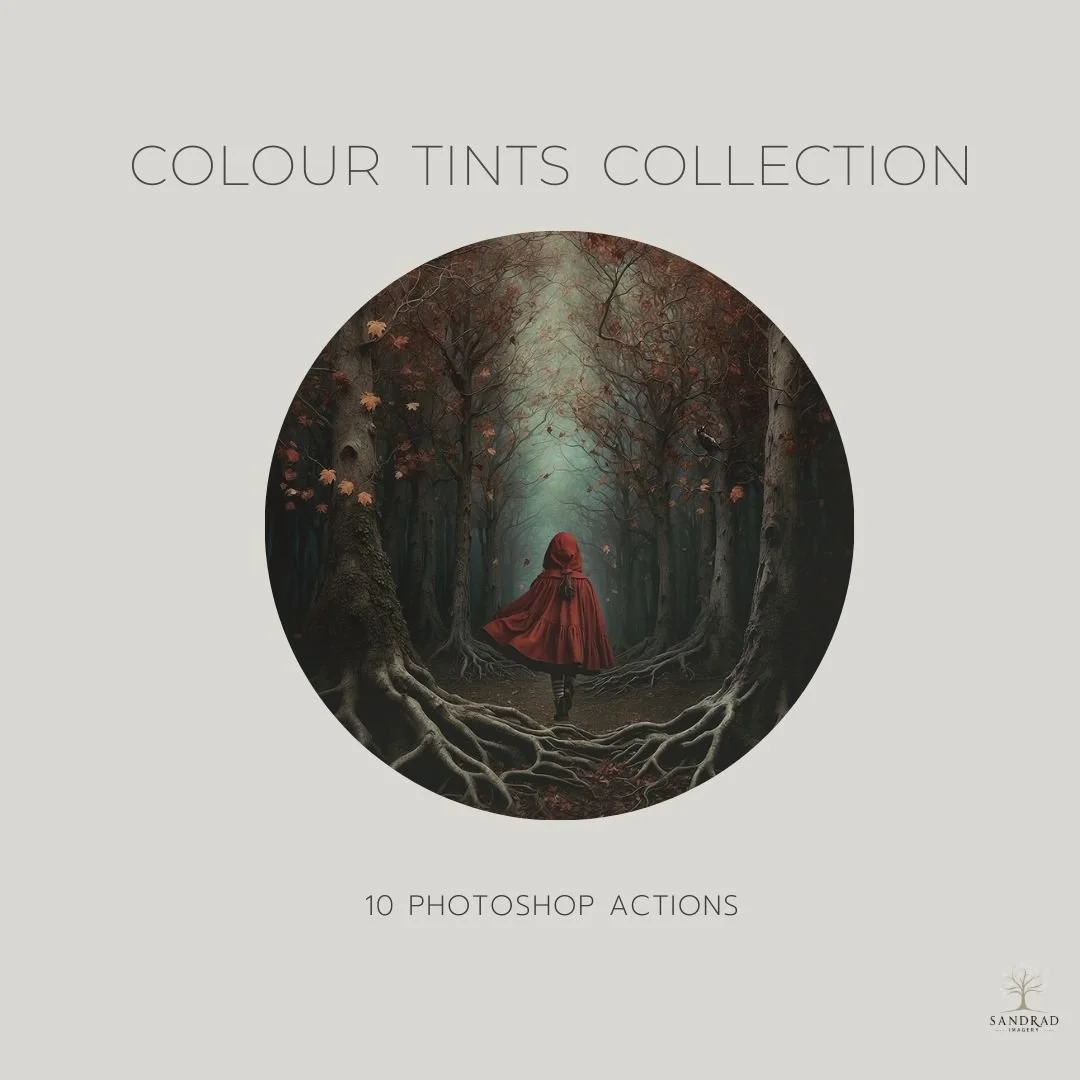
This set of 10 Photoshop actions is designed to simplify your colour grading process, allowing you to make subtle shifts in the tonal range of your images with ease.
With just one click, you can apply a colour tint to enhance the depth and richness of your photos. Whether you're looking to add warm or cool tones or just a hint of extra colour, these actions remove the guesswork from manually tweaking tonal adjustments. Perfect for anyone wanting to speed up their workflow, these tints offer a quick and easy way to achieve colour grading easily.
Colour Tints Included: Little Pop, Richness, Blue River, Warmth, Mud, Horizon, Shiny, Sugar, Coolness and Vintage Brown.
WATCH HOW YOU CAN USE COLOUR TINTS IN YOUR IMAGES
INSTANT DOWNLOAD
This is a digital product available for instant download after purchase. Your download link will be sent to the email address used at checkout. Please download and save your files promptly, as Squarespace download links expire after 24 hours. If your link has expired, click it again and a new download link will automatically be sent to your email address.
TERMS OF USE
Personal and commercial creative use is permitted. You may use these resources to create your own finished artwork, composites, photography and client work.
You may not resell, redistribute, share, give away, extract or claim the original files as your own. The resources must be used as part of your own creative work and cannot be made available for others to extract, reuse or redistribute.
This is a single-user licence. Copyright remains with SandraD Imagery / Sandra Dann and ownership of the original files does not transfer.
Digital-download purchases are non-refundable once downloaded, except where required under Australian Consumer Law.