In this video, I show how I use Adobe Color to find colours I like in a photo or artwork, then use them in Photoshop to apply these colours in my images. Pair this with my Cool Tones LUT Pack if you want ready-made colour tones to apply straight to your own work.
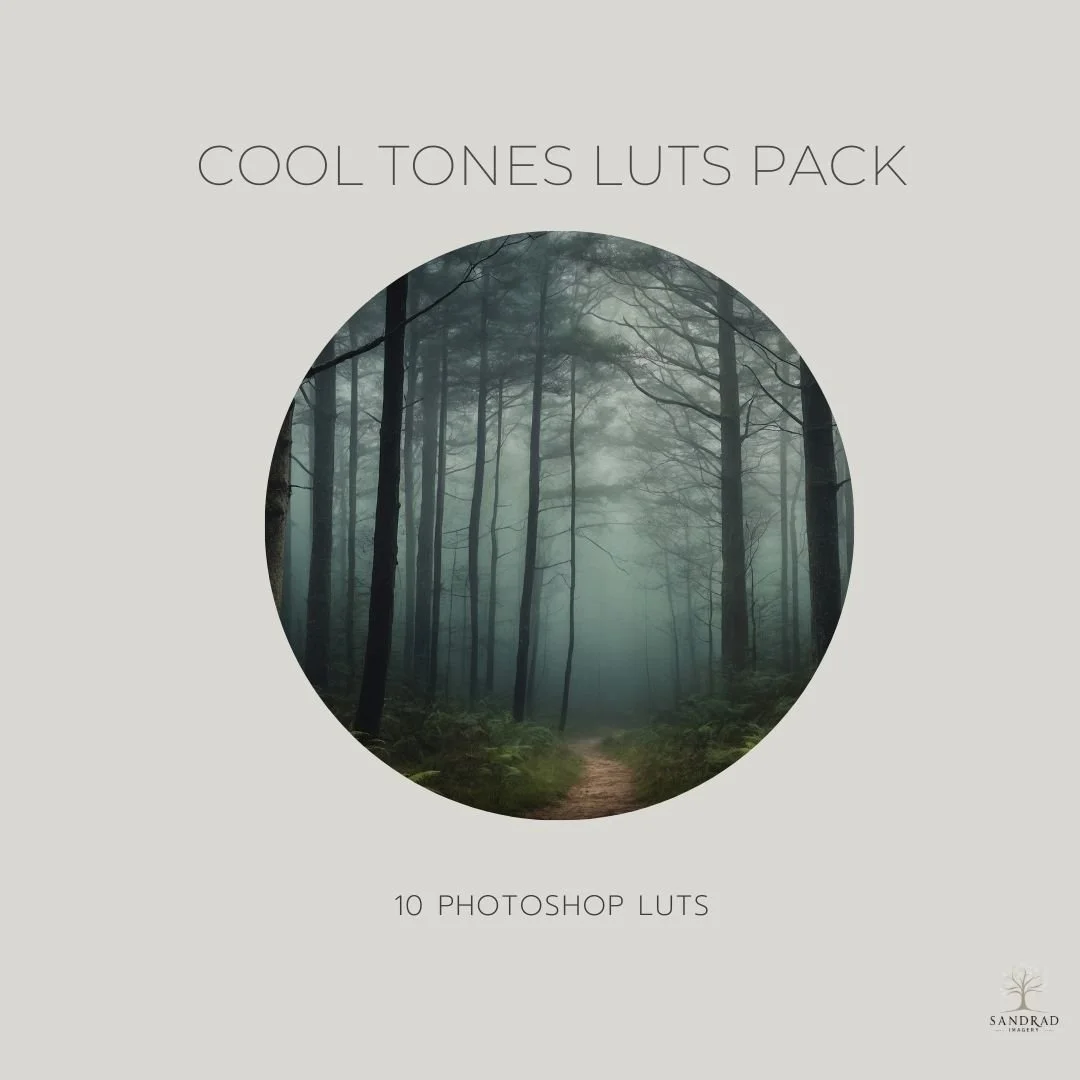
Create soft, atmospheric cool tones with ease.
The Cool Tones LUT Pack includes 10 painterly LUTs designed to bring gentle blues, cool neutrals, and a soft, moody finish to your photos and digital art. Perfect for portraits, landscapes, and composites, these LUTs add depth and harmony in just one click.
WATCH HOW THIS PRODUCT can add subtle colour depth to your photos and images.
Why Use LUTS?
LUTS (Look-Up Tables) are an easy and powerful way to add professional colour grading to your images. With just a few clicks, you can completely change the mood, enhance tones.
Using these LUTs, you'll notice that the colour grading effect will vary depending on your image’s tones, lighting, and style — making each result uniquely tailored. Colour grading is a big part of my creative process, and these LUTs reflect the style I love to weave into my digital art — muted but rich, emotional but soft.
Perfect for photographers, and digital creators who want to add depth, mood, and magic to their work.
Includes:
10 Photoshop LUTs (.CUBE format) - Misty Vintage Blue, Moonlit Blue Fade, Nordic Blue, Silver Blue Matte, Soft Cornflower Matte,
Snowy Tranquility, Winter Dawn, Crisp Winter, Frosted Morning and Silent Forest.Soft blues, cool neutrals, and subtle tones
Whether you’re after soft cool blues, gentle neutrals, or atmospheric shadows, this collection helps you create images with a calm, cohesive feel. Each LUT is part of my own creative workflow—now you can use them to enhance yours.
Compatible With:
Photoshop
Any software that supports .CUBE LUT files
These are NOT Lightroom presets.
NOTE:
Please keep in mind that the LUTS may require some tweaks to suit the individual image, as the final result can vary from one image to the next, depending on lights, shadows, colours, tones. If you have any questions or need help with additional adjustments, please feel free to contact me.
INSTANT DOWNLOAD
This is a digital product available for instant download after purchase. Your download link will be sent to the email address used at checkout. Please download and save your files promptly, as Squarespace download links expire after 24 hours. If your link has expired, click it again and a new download link will automatically be sent to your email address.
TERMS OF USE
Personal and commercial creative use is permitted. You may use these resources to create your own finished artwork, composites, photography and client work.
You may not resell, redistribute, share, give away, extract or claim the original files as your own. The resources must be used as part of your own creative work and cannot be made available for others to extract, reuse or redistribute.
This is a single-user licence. Copyright remains with SandraD Imagery / Sandra Dann and ownership of the original files does not transfer.
Digital-download purchases are non-refundable once downloaded, except where required under Australian Consumer Law.